Script to video AI that keeps every word you wrote
Paste a finished script and Go Motion splits it into scenes, narrates it with an AI voice over, times the captions word by word and finds licensed footage for every line. AI script to video for YouTube, Shorts and TikTok, online in your browser.
- No camera or microphone
- Free credits to start
- Credits back if a job fails
- 1080p MP4 with SRT or VTT
Quick answer
What is script to video AI?
Script to video AI turns a written script into a finished video: it divides the text into scenes, narrates each line with a synthetic voice, adds captions and pairs every scene with matching visuals. Go Motion is an AI video generator from script or from a short idea. With a script, it keeps your exact words and their order, so the video says what you wrote.
- Input
- A full script, or an idea
- Output
- 1080p MP4, SRT and VTT
- Length
- 30 seconds to 60 minutes
- Price
- 35 credits per minute
Examples
Three scripts and the videos they became
Each tab shows a script exactly as it was pasted, its settings and what Go Motion did with it. Nothing was rewritten: the words you read are the words you hear.
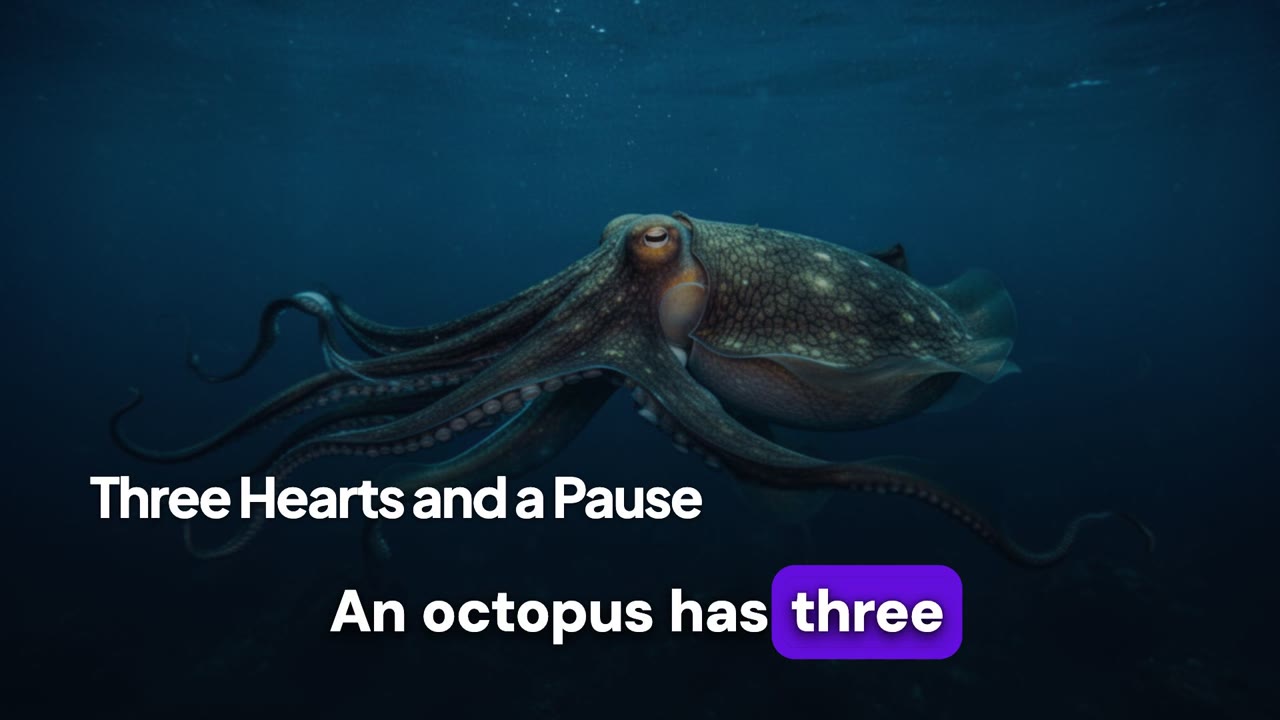
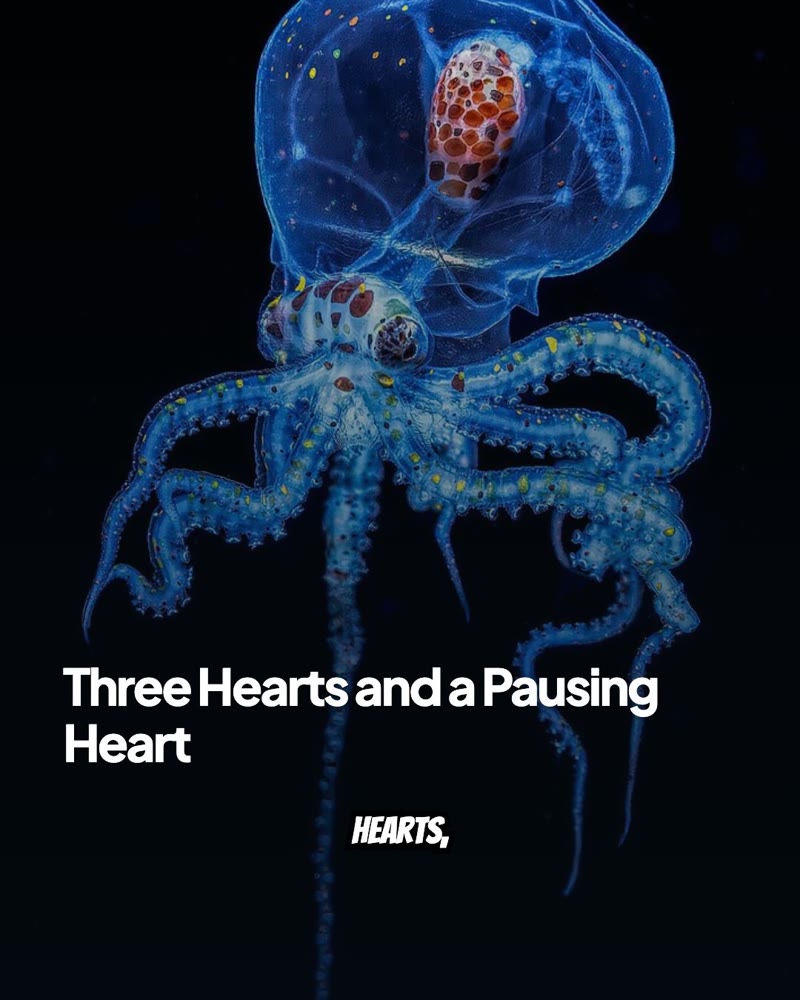
An octopus has three hearts, and one of them stops beating every time it swims. Two small hearts push blood through the gills. The large one sends it around the body, but it pauses while the octopus swims. That is one reason octopuses prefer to crawl: swimming tires them quickly, so they save it for escaping danger.
- 16:9
- 30 s target
- Karaoke captions
What Go Motion did
- Split the script into scenes without changing a word
- Narrated every line and timed the captions word by word
- Matched a stock photo or drew a picture for each scene
- Mode
- Script, word for word
- Voice
- English narrator
- Captions
- Karaoke, word-timed
- Visuals
- Stock photo and AI pictures
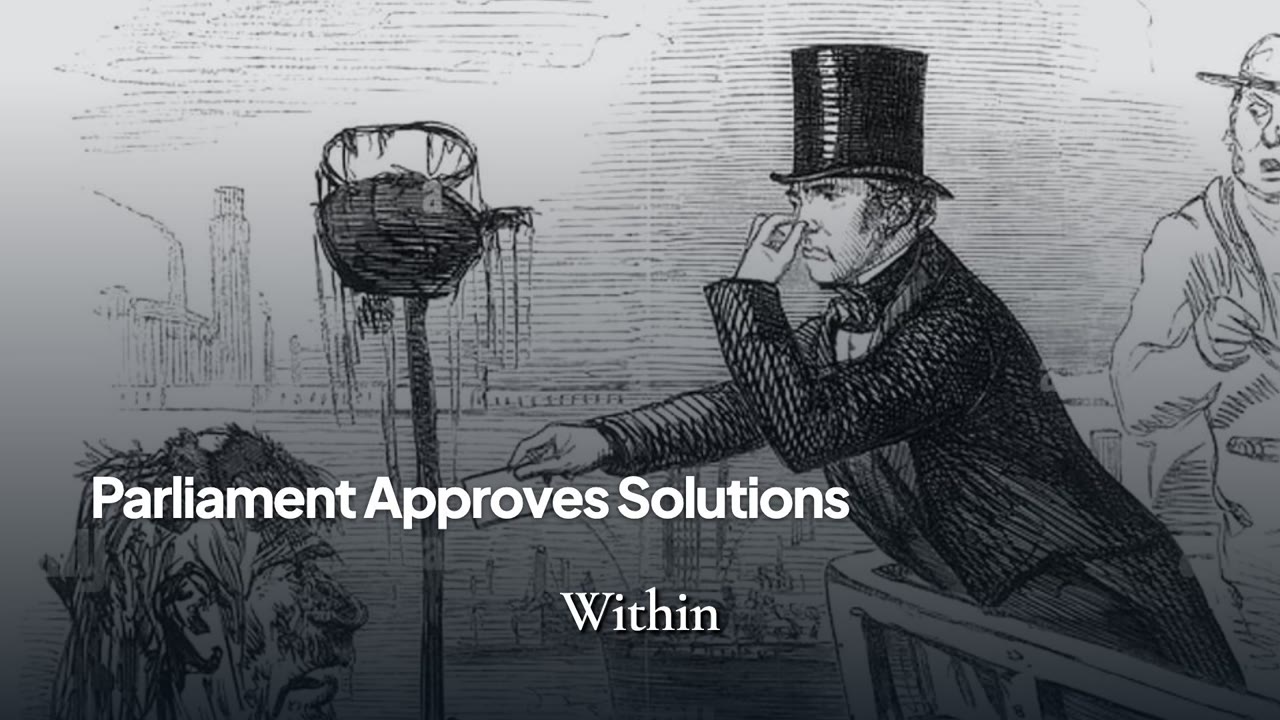
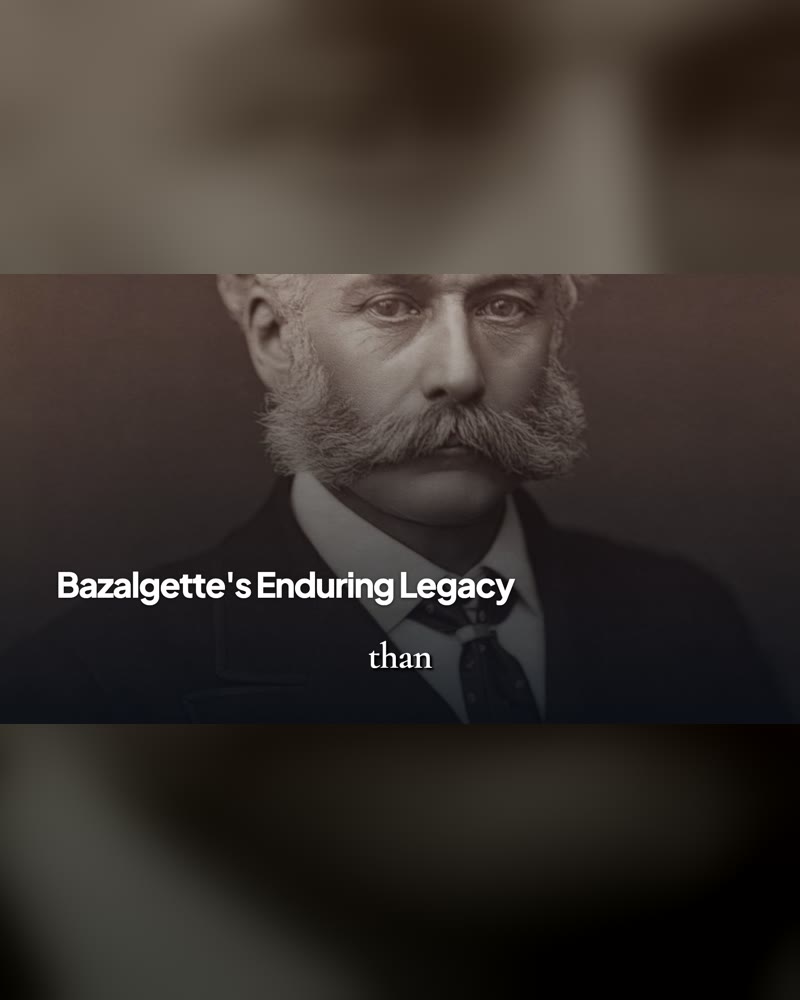
In the summer of 1858, the River Thames smelled so bad that Parliament could barely work. The heat cooked years of sewage in the water. Within weeks, lawmakers approved money for a new sewer system. Engineer Joseph Bazalgette built more than a thousand miles of sewers, and much of that network still carries London's waste today.
- 16:9
- 30 s target
- Low background music
What Go Motion did
- Kept the dates, names and figures exactly as written
- Searched archive and stock libraries for every scene
- Laid low background music under the narration
- Mode
- Script, word for word
- Voice
- English documentary voice
- Visuals
- Public-domain archive pictures
- Export
- MP4 with VTT captions
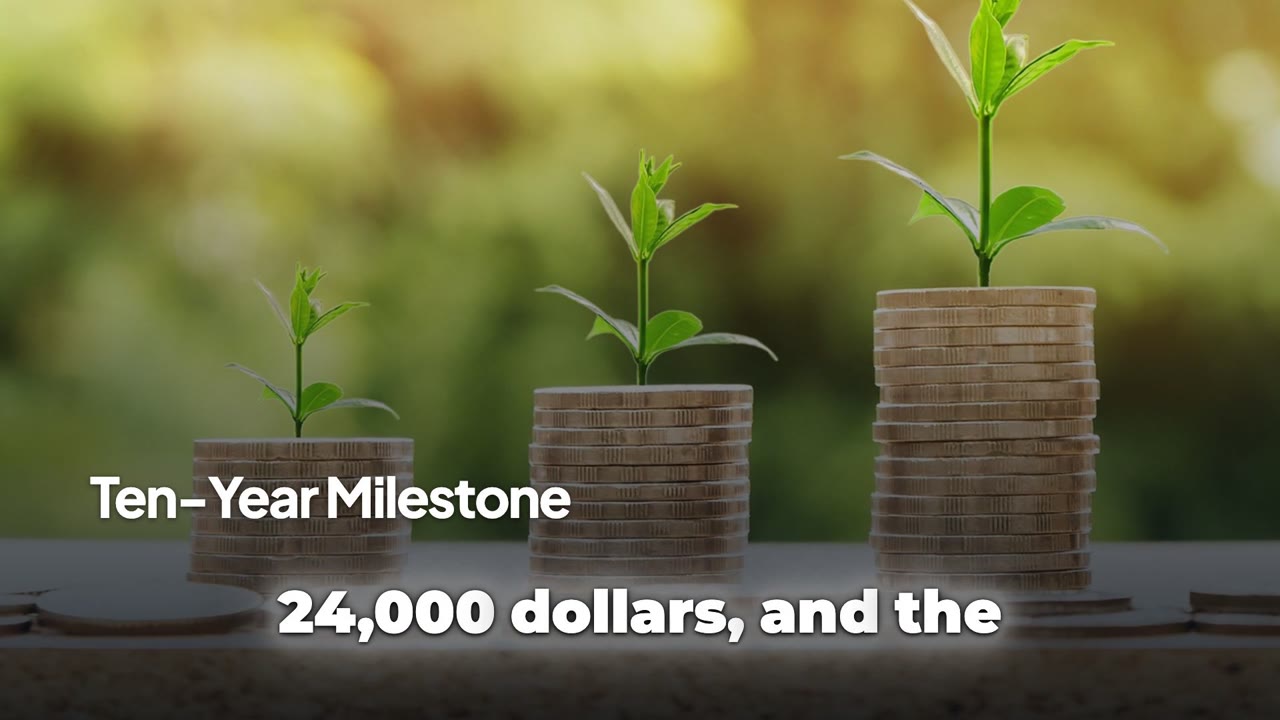
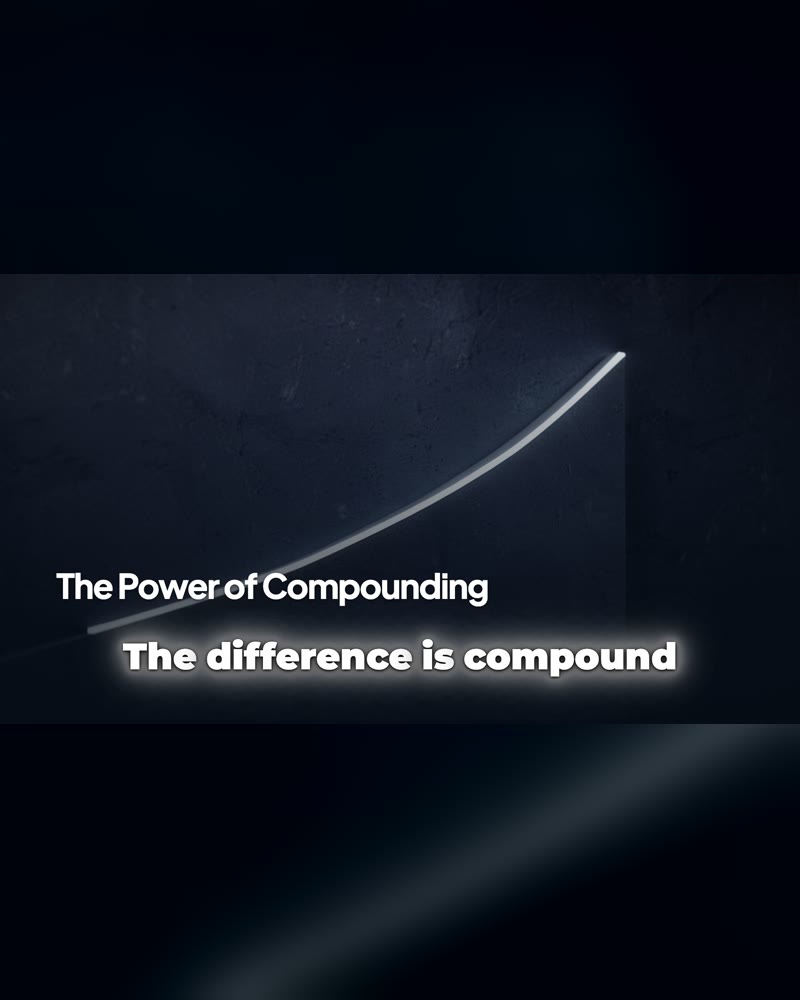
Put 200 dollars a month into an account that earns 7 percent a year. After ten years you have deposited 24,000 dollars, and the account holds about 34,600. After thirty years you have deposited 72,000, and it holds about 244,000. The difference is compound interest: your earnings start earning too.
- 16:9
- 30 s target
- English voice
What Go Motion did
- Read every number aloud the way it was written
- Showed each figure in the captions as it is spoken
- Matched stock footage or a picture to each line
- Mode
- Script, word for word
- Voice
- Calm English voice
- Captions
- Burned in and SRT
- Cost basis
- 35 credits per minute
How it works
Convert script to video in three steps
Once your script is ready, three short steps turn it into an AI video. Every paid step shows a quote first, and nothing is charged until you confirm it.
- 01
Paste your script and pick a format
Choose I have a script, paste the whole text and pick 16:9 for YouTube or 9:16 for Shorts, Reels and TikTok. Then set a target length, a language and a voice.
- 02
Review the scenes before production
Go Motion splits the script into scenes without rewriting it. Read each scene, fix a line or reorder scenes, then confirm the production quote for voice, captions and footage.
- 03
Edit, then export a 1080p MP4
Swap any picture, move the captions or change the music in the editor. Export a 1080p MP4 with SRT and VTT caption files, ready to upload to YouTube, TikTok or Instagram.
Features
Everything between your script and the upload
The script to video AI handles the parts of production that take longest by hand, and you keep the final say on every scene before anything is exported.
Your script, word for word
Paste a script and it stays exactly as written. Go Motion only chooses where scenes break, and you can edit or reorder them before production.
AI voice over in 15 languages
Choose from dozens of voices per language and play a sample first. Change a sentence later and only that scene is spoken again.
Word-timed captions
Captions follow the narration word by word in nine styles. They are burned into the video and also export as SRT or VTT files for YouTube subtitles.
Licensed footage for every scene
Go Motion searches stock and archive libraries such as Pexels, NASA and Wikimedia Commons, looks at the results and picks what fits. Every pick keeps its author and license.
Long videos, rendered for you
Make anything from a 30-second Short to a 60-minute documentary. Exports render on our servers at 1080p, and long videos are split across several of them.
Charts and motion cards
Charts, counters, timelines and maps animate your own numbers, so data-heavy explainers, lessons and finance videos are easier to follow.
Specs
Export specs for YouTube, Shorts, Reels and TikTok
Every video exports in a format the major platforms accept, so you can upload straight from the download. Here is what they ask for and what Go Motion delivers.
| Spec | What platforms ask for | Go Motion export |
|---|---|---|
| Aspect ratio | 16:9 for YouTube, 9:16 for Shorts, Reels and TikTok | 16:9 or 9:16, chosen per video |
| Resolution | 1080p recommended | 1920 × 1080 or 1080 × 1920 |
| Frame rate | 24 to 60 frames per second | 30 frames per second |
| File type | MP4 with H.264 video and AAC audio | MP4, H.264 and AAC |
| Captions | Burned in, or an SRT or VTT upload | Burned in, plus SRT and VTT files |
| Length | Shorts and Reels up to 3 minutes, YouTube far longer | 30 seconds to 60 minutes |
Platform limits change, so check each upload page before a launch. Go Motion exports carry no watermark.
What you can make
What you can make from a script
The same script to YouTube video workflow covers long explainers and vertical clips. Pick the format per video and keep a series for each channel.
Faceless YouTube explainers
Turn a researched script into a 16:9 explainer with narration, captions and footage, without filming yourself or recording your own voice.
Shorts, Reels and TikTok
Paste a 30- to 60-second script, choose 9:16 and get a vertical video with captions burned in, ready for every short-form app.
History and documentary channels
Long scripts become documentaries up to an hour, with archive photos and stock footage that keep their author and license.
Lessons and training videos
Teachers and trainers can turn a lesson script into a clear narrated video, with charts and on-screen captions that help viewers follow along.
Guide
How to write a script that makes a good video
A script to video AI can only follow what you give it. These five habits make the narration easier to hear and the footage easier to match.
- 01
Open with the payoff
Viewers decide in the first seconds whether to stay. Lead with the most surprising fact or the question the video answers.
In Go Motion: Your first scene is the hook. Read it in Review scenes and tighten it before you confirm production.
- 02
Write for the ear, not the page
Short sentences are easier to follow when spoken. Spell out abbreviations the way you want them said, and read the script aloud once.
In Go Motion: Play voice samples in the wizard before you choose. A new voice later re-records every scene, so pick it early.
- 03
Give every scene something to show
Footage is matched to what each line says. Concrete words like a coral reef or a steam engine find better pictures than abstract ones.
In Go Motion: Open a scene, change its search words and press Find new visual. If nothing suitable turns up, the 5 credits come back.
- 04
Keep one idea per paragraph
Short paragraphs that each cover a single point give the scene split clean places to cut and keep the pacing steady.
In Go Motion: The scene breaks are chosen for you. Move, add or remove scenes in Review scenes, and your wording stays untouched.
- 05
Check facts and rights before you publish
Platforms reward original, accurate videos. Check every claim, keep sources for statistics and review footage licenses before you monetize.
In Go Motion: Every clip and photo keeps its author and license, and your uploads stay in the Media library.
Compare
How to choose the best script to video AI for your channel
Not every script to video generator works the same way. This table compares tool types, not brands, on what matters for a faceless channel: your words, visuals, length and later edits.
| What to compare | Go MotionScript to video studio | AI video modelsGenerate clips from prompts | Avatar toolsA presenter reads the script | Video editorsTemplates and timelines |
|---|---|---|---|---|
| Starts from | Your script, or an idea | A prompt for each clip | A script | A template or a blank timeline |
| Your wording | Kept word for word | Prompts describe shots, not narration | Read aloud as written | Whatever you record yourself |
| Visuals | Licensed stock and archive footage | Generated clips | A talking presenter | Footage you find and place |
| Voice over and captions | Built in, timed word by word | Often added separately | Built in | Recorded and timed by hand |
| Practical length | 30 seconds to 60 minutes | A few seconds per clip | Depends on the plan | Any length |
| Sources and licenses | Author and license kept per clip | Check the model's terms | Check the plan's terms | Up to you to track |
| Changing it later | Edit a line, re-voice only that scene | Generate the clip again | Render the presenter again | Re-edit the timeline |
Tool types, not specific products; features vary by plan.
FAQ
Questions about turning scripts into videos
Short answers about wording, price, footage rights and length. The step-by-step guides walk through every screen in more detail.
Try script to video AI on your next upload
Paste a finished script at the top of this page, or start from an idea below and Go Motion writes a script you can edit before any footage is made.
New accounts get free credits, and every paid step is quoted before it runs.