Make AI explainer videos for faceless YouTube channels
Go Motion turns one question into a narrated explainer video: a structured script, stock footage matched to every line, an AI voice over and word-timed captions. Faceless creators and teachers publish YouTube explainer videos with AI handling the production, and no camera is needed.
- No camera or microphone
- Free credits to start
- Credits back if a job fails
- 1080p MP4 with SRT or VTT
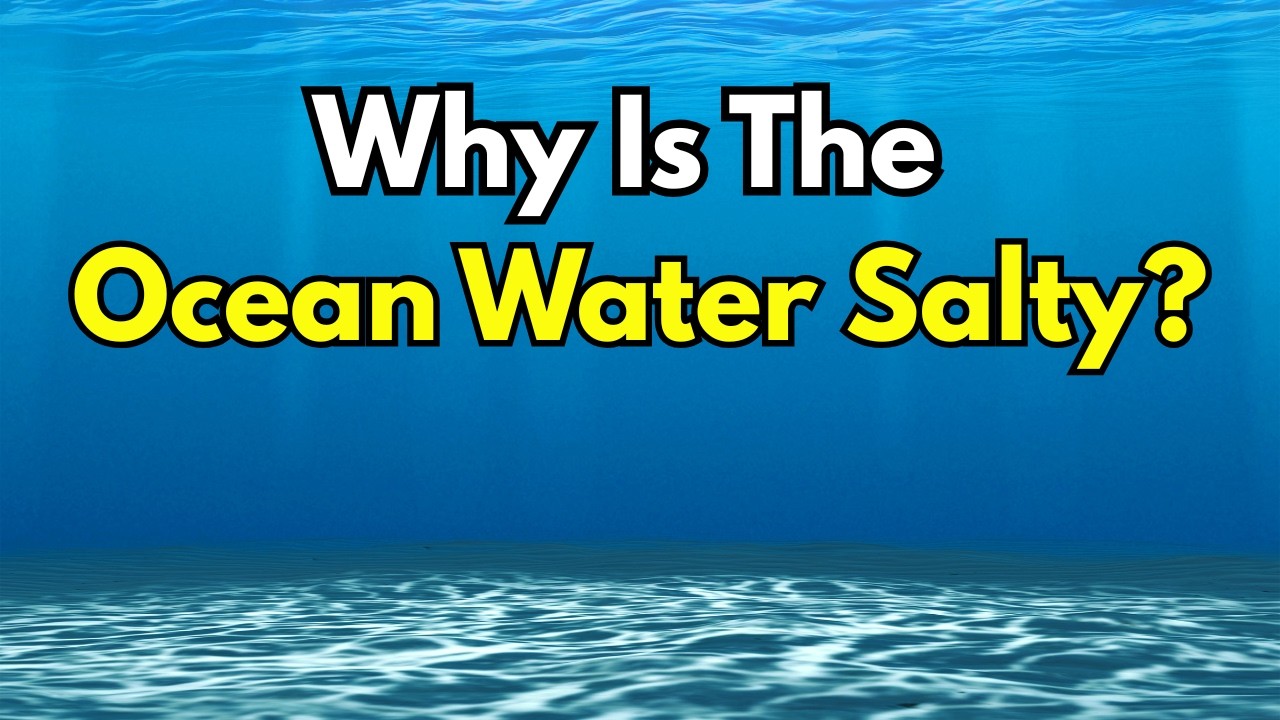
Why Is The Ocean Water Salty? The 4-Billion-Year Recipe
Simple Things – Surprising Histories · 5 chapters · stock footage and narration
Before & after
AI explainer videos without juggling five tools
Script, footage, voice, captions and editing used to mean five apps and a full weekend. Now you can use AI to make explainer videos in one editor, where every scene stays open for changes until you export.
The usual way
Five tools, one video
Write the script
Hours of research in a blank document
Hunt for footage
Clip by clip across separate stock sites
Record the voice
Microphone setup, retakes and noise cleanup
Time the captions
Line by line in a separate caption tool
Cut it together
One more app and one more export
With Go Motion
One editor, every scene
Script plan from one question
The AI explainer video generator drafts the hook and chapters
Footage matched to every line
Six libraries searched at once, licenses checked
AI voice over in one click
A natural voice reads every line of the script
Captions timed word by word
Nine caption styles, SRT and VTT on export
Edit and export in one place
Swap a clip, retime a line, export a 1080p MP4
Format breakdown
What's inside a five-minute AI explainer video
The example above covers five chapters in about five minutes. Here is what each chapter puts on screen, and which part of Go Motion builds the same thing for your own topic.
- 0:00
Intro: A Tower of Salt
Go Motion opens on ocean footage with a keyword card and a title card, so the question is on screen within the first few seconds.
- 1:07
Chapter 1: The Invisible Thief and the Volcano
A chapter card sets up the story, then volcano footage from the stock libraries is matched to each narrated line.
- 2:04
Chapter 2: The Great River Mystery
River and waterfall clips carry the narration, and your own evaporation diagram drops into the scene where the script calls for it.
- 3:04
Chapter 3: The Deep Sea Refinery
Deep-sea vents come from NASA and Wikimedia Commons imagery, with a generated still for the one shot no archive holds.
- 3:53
Outro: A Perfect Balance
The closing chapter returns to coastline footage and ends on a call-to-action card that points viewers to the next video.
Across every chapter
One calm AI voice over narrates the whole explainer video, with word-timed captions and background music running under every chapter.
Walkthrough
How to make AI explainer videos, step by step
Here is how to create an AI explainer video for a weekly science channel, from a saved writing style to the exported file. The same five steps work for course lessons, product explainers and Shorts.
- 01
Save the example as a writing style
Paste the YouTube link under Writing styles. Go Motion reads the video's captions and learns its hook, chapter structure and pacing for your own scripts.
- 02
Start a series from the topic
Choose Topic as the source and type the question. Then set 16:9, the length, a voice, a theme and the writing style you just saved.
- 03
Read the script plan before anything renders
The AI video explainer drafts a hook, three chapters and an outro. Edit any wording you like, then confirm the plan to start the build.
- 04
Let the AI explainer video maker build every scene
Each line gets license-checked footage from six libraries, an AI voice over and word-timed captions. Charts animate the figures you provide.
- 05
Polish and export
Swap any clip, add your own diagram and rebuild the narration for a line you changed. Then export a 1080p MP4 with SRT or VTT captions.
Inspiration
AI explainer videos you can make next
Six narrated, footage-led explainers from YouTube, from eight-minute histories to 30-second Shorts. Swap in your own topic and Go Motion builds the same format in 16:9 or 9:16.
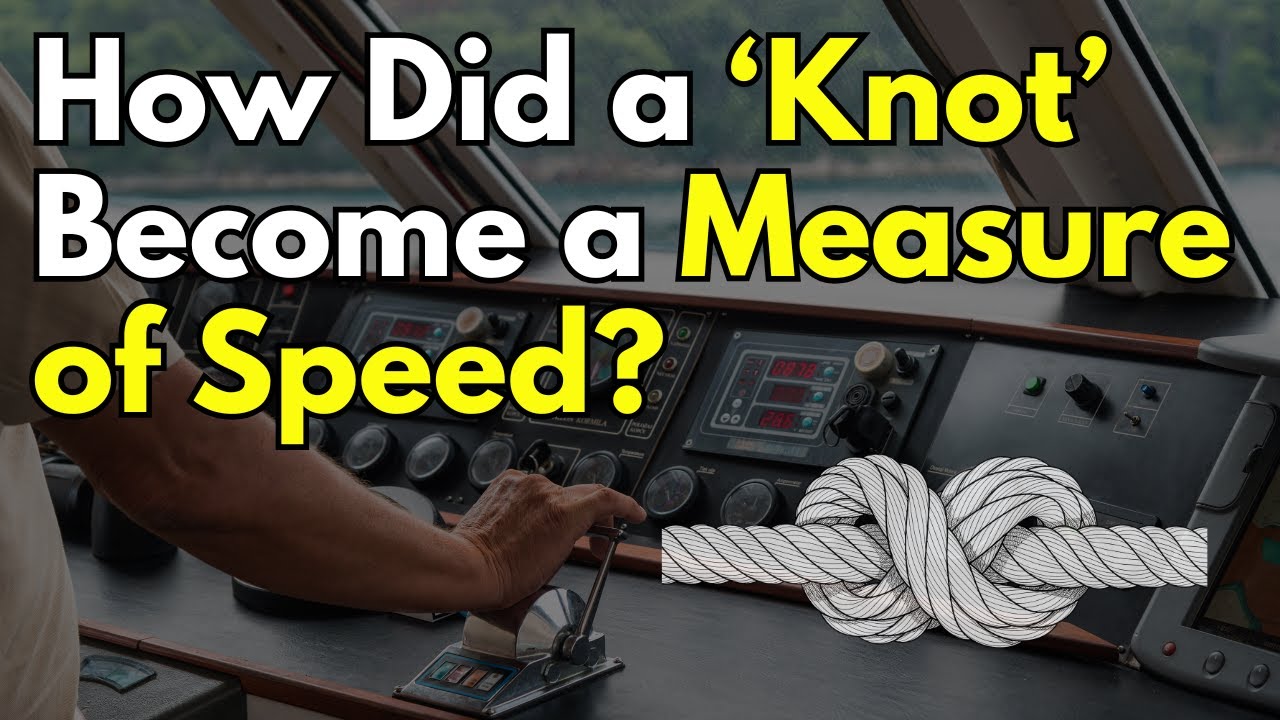
Why Ships and Planes Use ‘Knots’ Instead of Miles per Hour?
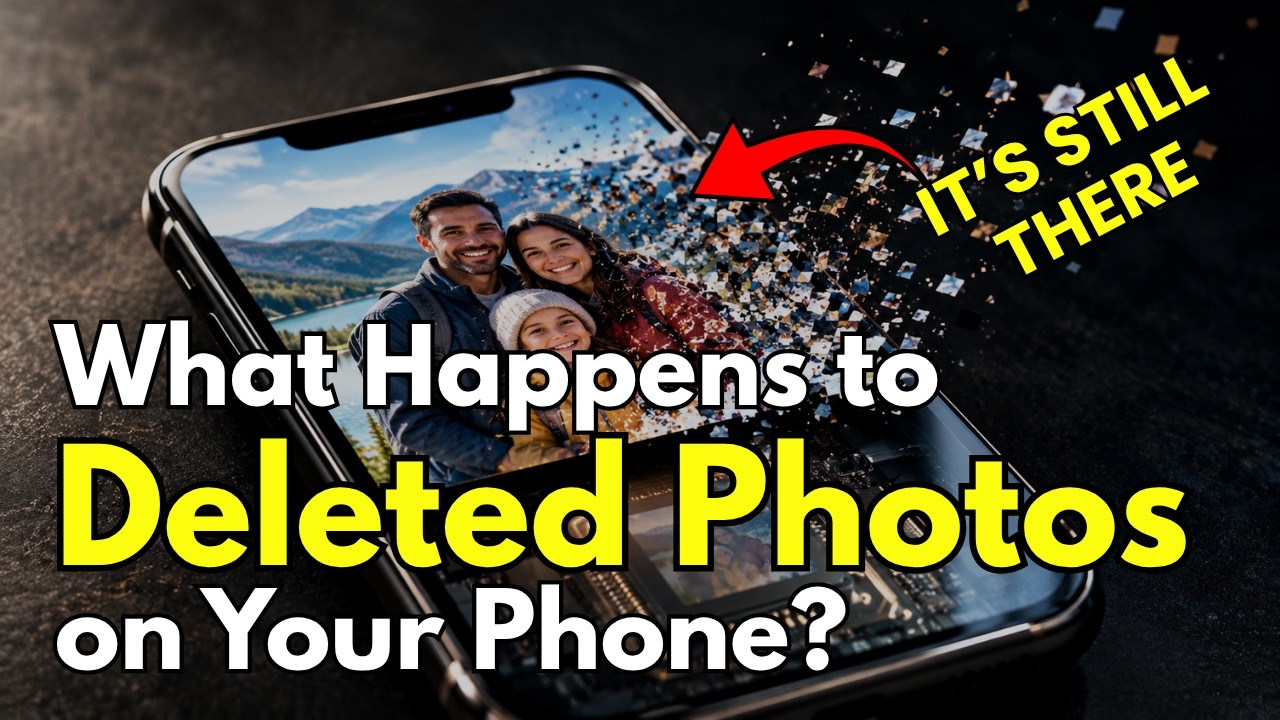
What Happens to Deleted Photos on Your Phone?
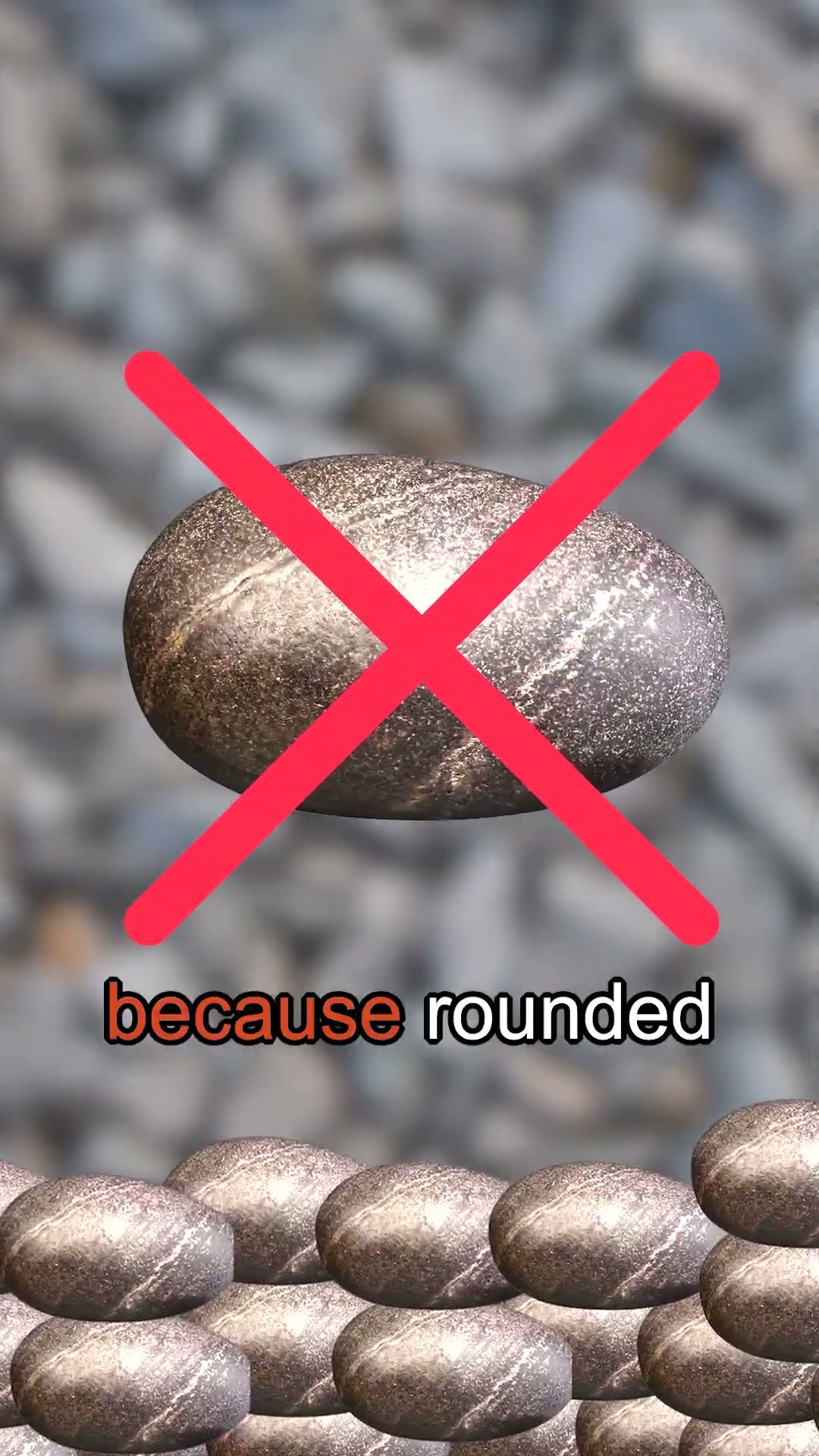
Why there are stones underneath the train tracks?
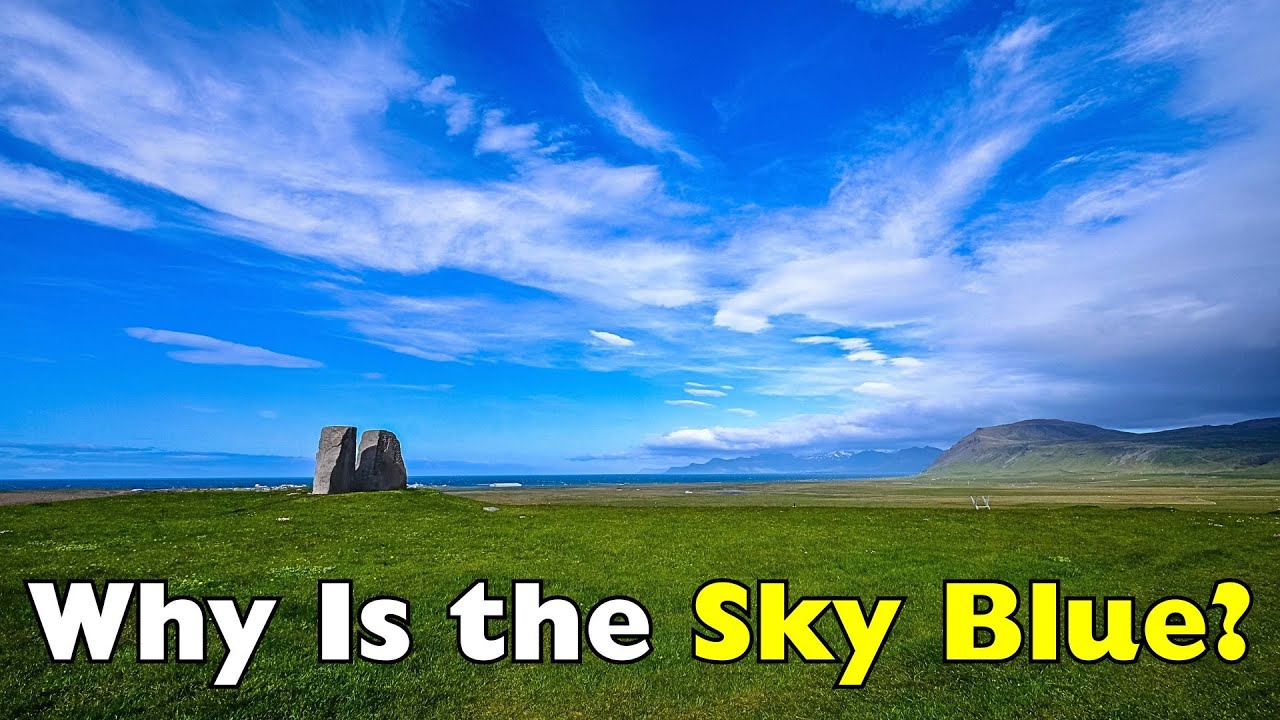
The Hidden Science Behind the Blue Sky
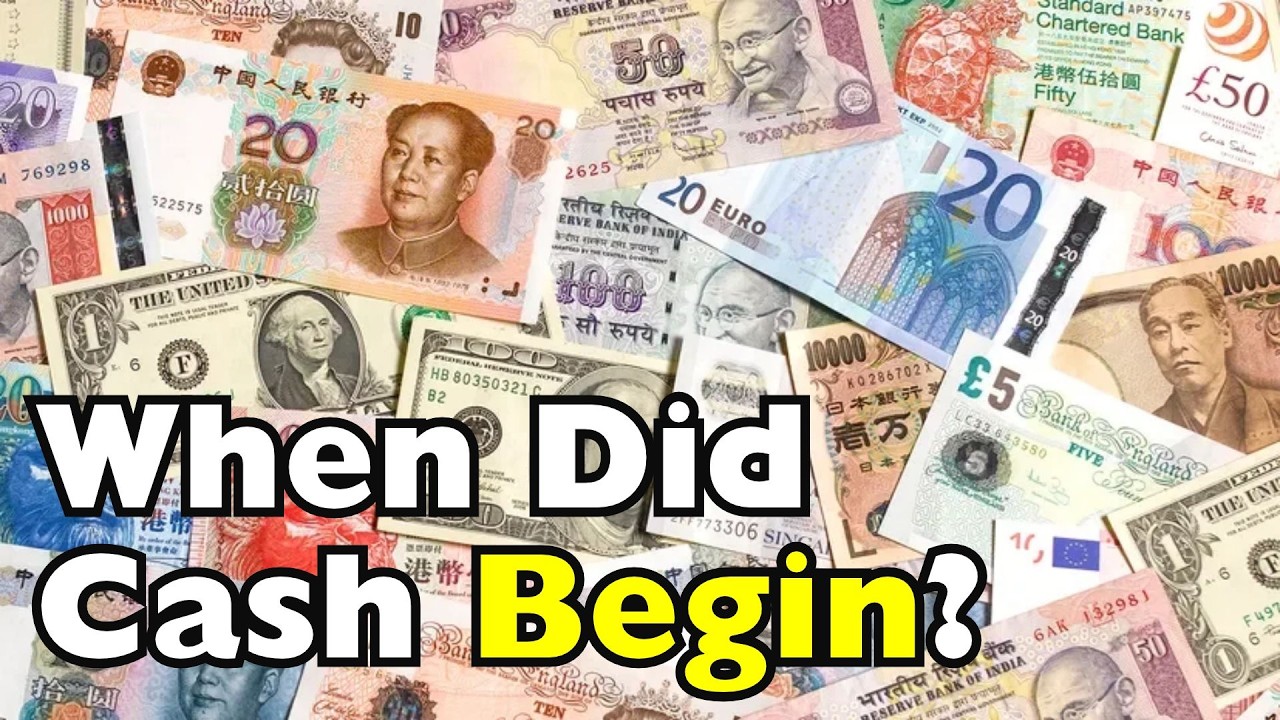
When Did We Start Using Paper Money? The History of Cash
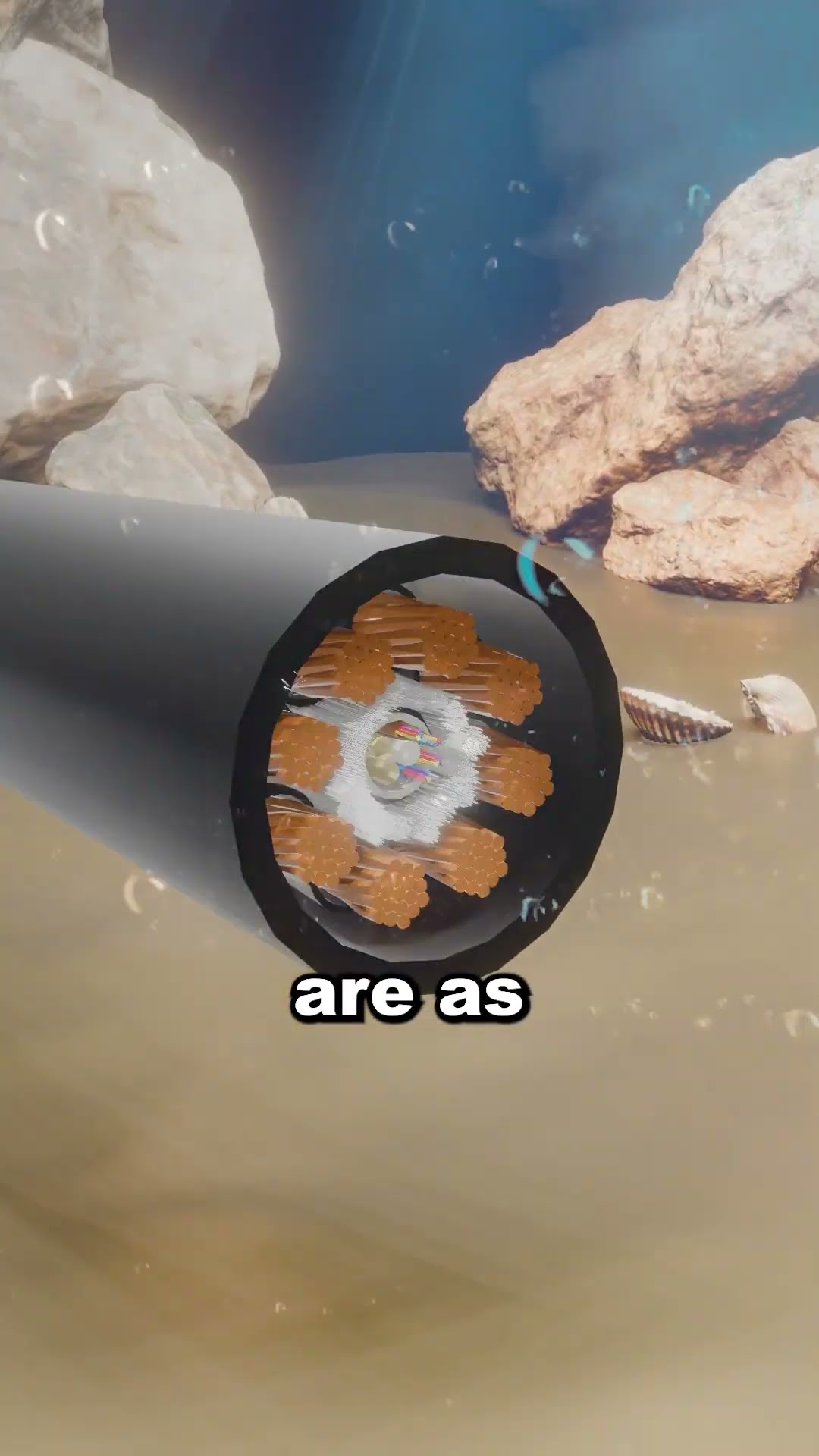
How The Internet Actually Works
Videos by their creators on YouTube, shown as formats you can build in Go Motion. Pressing play loads YouTube's player.
Who it is for
One explainer video maker, four kinds of creators
Channels, classrooms, product teams and Shorts accounts all explain things for a living. Each one starts from a topic, a script or a recorded voiceover and ends with a finished video.

Faceless YouTube channels
Publish faceless explainer videos with AI narration every week, in the hook and pacing your audience already watches.
Teachers and course creators
Turn lesson notes into narrated lessons with charts, counters and timelines, so every module has a video students can replay.
Product and marketing teams
Explain a feature or a how-to for your blog, help center or channel without booking a studio or a presenter.

Shorts and Reels creators
Make one idea land in under a minute, with bold word-timed captions for YouTube Shorts, TikTok and Reels.
Features
Inside the AI explainer video generator
Every tool from the walkthrough, in one place. Use them to make AI explainer videos for YouTube, online courses or product pages, starting from a topic, a script or a voiceover.
Scripts from one question
Type a question and get a structured script with a hook, chapters and an outro, or paste your own script and keep it word for word.
Styles learned from YouTube
Paste a link to a video you admire and Go Motion picks up its hook, structure and pacing as a reusable writing style.
Footage for every line
Six stock and archive libraries are searched at once and every license is checked, with AI images for the shots no library holds.
AI voice over
Pick a voice and every line is narrated for you. Change a sentence later and only that line is rebuilt.
Word-timed captions
Captions follow the narration word by word in nine styles, and export as SRT or VTT files for YouTube subtitles.
Charts and motion cards
Charts, counters, timelines and maps animate your own numbers, which makes data-heavy lessons and explainers easier to follow.
FAQ
Questions about AI explainer videos
What to know before you start, whether you run a faceless YouTube channel, teach a course or just want to learn how to make explainer videos using AI.
Turn your next topic into an AI explainer video
Save a writing style, type your question and let Go Motion build every scene. The best AI explainer videos start with one clear question, and yours can be ready to export today.