Claude video generation with an open-source skill
Install the Go Motion Claude video skill and ask Claude Code for a video in plain words. Claude writes the script, you approve every paid step in the chat, and a narrated, captioned MP4 lands in your project folder.
npx skills add gomotionai/gomotion-skill- Open source, MIT license
- A quote before every paid step
- MP4, SRT and VTT in your folder
- Free credits for your first video
Quick answer
Can Claude generate videos?
Not with a built-in video model, but Claude can drive tools that make video. Anthropic's Claude Motion turns text and charts into short code animations on Team and Enterprise plans, in beta. For narrated videos with captions and real footage, Claude video generation runs through the open-source Go Motion skill, and Go Motion's servers render the MP4.
- Works in
- Claude Code, Codex and Cursor
- You get
- 1080p MP4 with SRT and VTT
- Length
- 30 seconds to 60 minutes
- Price
- About 45 credits per minute
Examples
Claude video generation examples to try
Each tab is a sample prompt you can paste into Claude Code, with the settings it asks for and the steps the skill runs. You approve every paid step, and the files land in a gomotion folder.
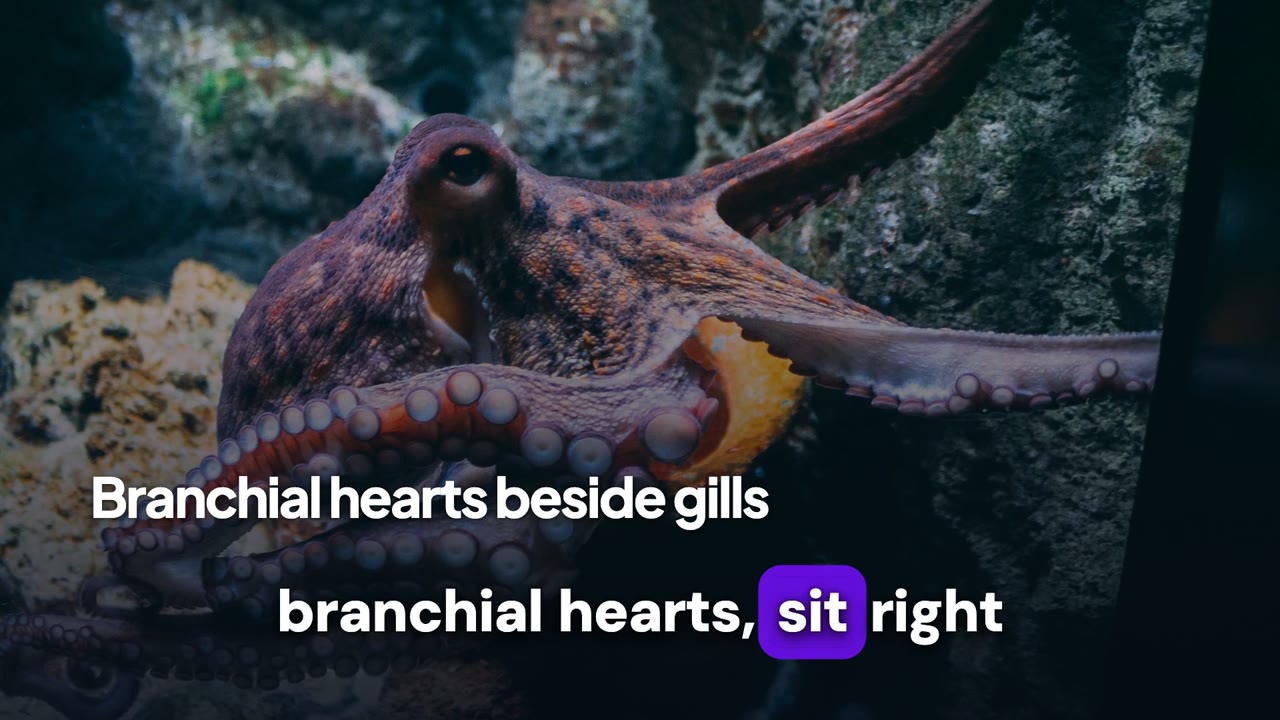
Make a 60-second 16:9 explainer about why octopuses have three hearts, for a science channel. Curious, friendly tone. Open with the strangest fact and end with why they prefer to crawl.
- 16:9
- 60 seconds
- English voice
What Go Motion did
- Writes the script scene by scene and shows it in the chat
- Records the voice and times the captions word by word
- Matches stock footage or a picture to every scene, then exports
- Start
- Idea
- Credits
- About 45
- Voice
- English narrator
- Files
- MP4, SRT, VTT
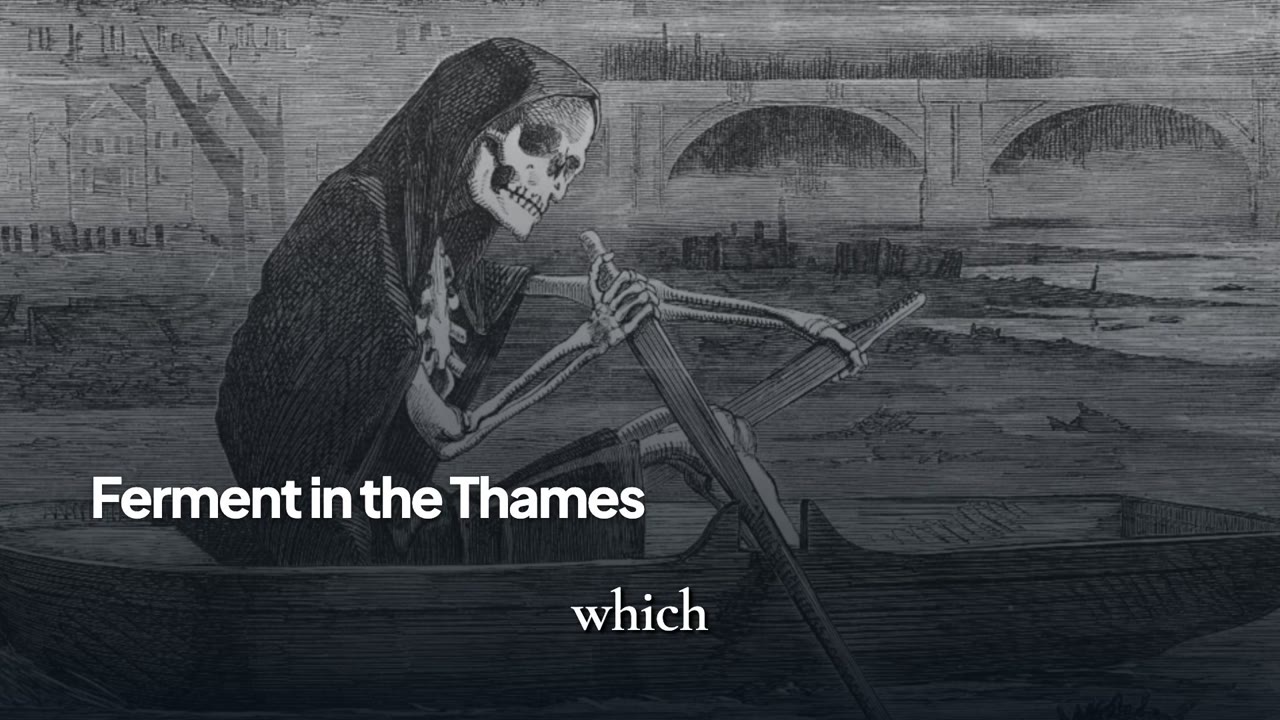
Make a 3-minute 16:9 documentary about the Great Stink of London in 1858 and how Joseph Bazalgette's sewers ended it. Calm narrator, archive photos where they exist, and keep every date accurate.
- 16:9
- 3 minutes
- English voice
What Go Motion did
- Drafts the script with the dates and names you gave
- Searches archive and stock libraries for each scene
- Renders a 1080p MP4 with SRT and VTT captions
- Start
- Idea
- Credits
- About 135
- Visuals
- Archive and stock
- Files
- MP4, SRT, VTT
Make a 60-second 16:9 video in Spanish that explains compound interest for a personal finance channel. Warm tone, one simple example with real numbers, and a clear takeaway at the end.
- 16:9
- 60 seconds
- Spanish voice
What Go Motion did
- Writes the script in Spanish and waits for your yes
- Narrates with a Spanish voice and adds captions
- Pairs each scene with footage or a picture, then exports the MP4

- Start
- Idea
- Credits
- About 45
- Language
- Spanish
- Files
- MP4, SRT, VTT
Quick start
How to make videos with Claude in three steps
Here is how to create video using Claude Code, Codex or Cursor. Setup takes a few minutes, and Claude Code video generation then runs inside the chat you already use.
- 01
Install the skill
Run one command in the project where you want videos, or add -g to install it everywhere. You need Node.js 18 or newer on your computer.
- 02
Add your API key
Create a key in Settings, under API keys, and put it in your shell as GOMOTION_API_KEY. The skill reads it from there and never prints it in the chat.
- 03
Ask Claude for a video
Describe the topic, length, format and tone. Claude shows each quote before it runs and saves the MP4 with its caption files to a gomotion folder.
Features
What the Claude video generation skill does
The skill turns Claude Code into a Claude AI video generator for finished videos, not silent clips. It runs the same pipeline as the Go Motion studio, with the same account and the same credits.
Scripts you approve first
Claude drafts the script from your brief and shows the scenes in the chat. Ask for changes in plain words; script edits are free until you approve production.
AI voice over in 15 languages
Name a language and a voice, or let Claude pick one that suits the tone. Every scene is narrated on Go Motion's servers, not on your laptop.
Word-timed captions
Captions follow the narration word by word and are burned into the video. The same captions also download as SRT and VTT files for YouTube subtitles.
Licensed footage for each scene
Go Motion searches stock and archive libraries such as Pexels, NASA and Wikimedia Commons for every scene, and each pick keeps its author and license.
Rendered for you in 1080p
Exports render as 1080p MP4 files at 30 frames per second on Go Motion's servers. Your computer only waits and downloads, so long videos never tie it up.
A quote before every charge
Each paid step shows its price first, and the API refuses to charge more than the amount you accepted. A step that fails returns its credits automatically.
Specs
Output specs for every agent-made video
Here is what the Claude video generator saves to your folder, next to what YouTube, Shorts, Reels and TikTok ask for, so you can upload straight from the download.
| Spec | What platforms ask for | What the skill saves |
|---|---|---|
| Aspect ratio | 16:9 for YouTube, 9:16 for Shorts, Reels and TikTok | 16:9 or 9:16, set in your prompt |
| Resolution | 1080p recommended | 1920 × 1080 or 1080 × 1920 |
| Frame rate | 24 to 60 frames per second | 30 frames per second |
| File type | MP4 with H.264 video and AAC audio | MP4, H.264 and AAC |
| Captions | Burned in, or an SRT or VTT upload | Burned in, plus SRT and VTT files |
| Where files go | Uploaded from your computer | A gomotion folder in your project |
Platform limits change, so check each upload page before you publish. Go Motion exports carry no watermark.
What you can make
Videos Claude can make for your channel
Can Claude create videos you would actually publish? With the skill, Claude video generation covers long explainers and vertical clips, and every video stays editable in the studio afterwards.
YouTube explainers
Can Claude make YouTube videos? Ask for a 16:9 explainer and you get narration, captions and footage in one file you can upload as it is.
Shorts, Reels and TikTok
Ask for 9:16 and a length under a minute. Captions are burned in, so the clip still reads well with the sound off in any short-form feed.
Lessons and training
Point Claude at lesson plans or onboarding notes in your repo and ask for a narrated video, with captions that help viewers follow every step.
Videos in 15 languages
Brief Claude in any language and ask for narration in one of 15. Make the same video for each audience without recording a single voice yourself.
Guide
How to write a Claude video generation prompt
Good Claude video creation starts with a clear brief. These five habits give the script, the voice and the footage search what they need on the first try.
- 01
Brief it like a writer
Name the topic, the audience, the tone, the length and the format in one message. Claude fills gaps with guesses, so fewer gaps mean fewer rewrites.
In Go Motion: The draft and every script edit are free. Only writing, production and export are charged, and each one shows its price before it runs.
- 02
Lead with the hook
Tell Claude what the first line should be, or ask it to open with the most surprising fact. Viewers decide in the first seconds whether to stay.
In Go Motion: The scenes come back for review before production starts. Rewrite the opening there in plain words, then approve production once it reads right.
- 03
Ask for things a camera could show
Footage is matched to what each scene says. Concrete subjects like a coral reef or a steam engine find better pictures than abstract ideas do.
In Go Motion: You can swap any picture later in the studio. Every clip and photo keeps its author and license, so you can check the rights before you publish.
- 04
Bring your own script when wording matters
If every word is already written, hand Claude a text file with a blank line between scenes. The skill keeps your wording and skips the writing step.
In Go Motion: With your own script you pay only for production and export, about 35 credits per minute instead of about 45 when you start from an idea.
- 05
Agree on the price of long videos
Longer videos cost more, so read each quote before you say yes. Claude sends the amount you accepted with the step, and the API refuses any higher price.
In Go Motion: A step that fails returns its credits automatically. Ask Claude to run it again, and confirm the quote it shows before anything is charged.
Compare
Ways to make videos with Claude, compared
Claude skills for video generation work in very different ways. Here is how the Go Motion skill compares with Claude Motion, a Claude video generation plugin for clip models, and code rendering.
| What to compare | Go MotionAgent skill for finished videos | Claude MotionBuilt into Claude | Video model connectorsMCP plugins for clip models | Code renderingRemotion or HyperFrames |
|---|---|---|---|---|
| Where it runs | Claude Code, Codex and Cursor | Claude, on Team and Enterprise plans | Any MCP client, such as Claude | Your computer, through Claude Code |
| What you get | A narrated, captioned video | A short animated explainer | A short generated clip | Animation you code and render |
| Visuals | Licensed stock and archive footage | Animated text, charts and shapes | Generated by a video model | Whatever you design in code |
| Files | MP4, SRT and VTT in your folder | MP4 export from the editor | Clip files from the provider | MP4 once you render it |
| Changing it later | Edit in the studio or re-voice a line | Ask Claude or use the editor | Generate the clip again | Change the code and render again |
| Cost | About 45 credits per minute | Counts toward plan usage limits | Per clip, set by the provider | Your time plus any tool licenses |
| Best for | Faceless explainers and Shorts | Charts and walkthroughs for work | Cinematic shots and ads | Custom motion graphics |
Tool types rather than products, except Claude Motion. Features change, and Go Motion is not affiliated with Anthropic.
FAQ
Claude video generation FAQ
Short answers about setup, models, price and length. The agent skill guide covers every command and error message in more detail.
Start Claude video generation in your next session
Install the skill, add your key and ask Claude for a video. Prefer the browser? Describe an idea below, and the Go Motion studio writes a script you can edit first.
New accounts get free credits, and every paid step is quoted before it runs.