ChaptersThumbnails
Thumbnails
Every series has a Thumbnail tab next to its name. Upload a finished cover for free, or generate a background in the style of covers you like and add your own title.
- Upload free
- Generate from 9 credits
On this page
Two ways to get a cover
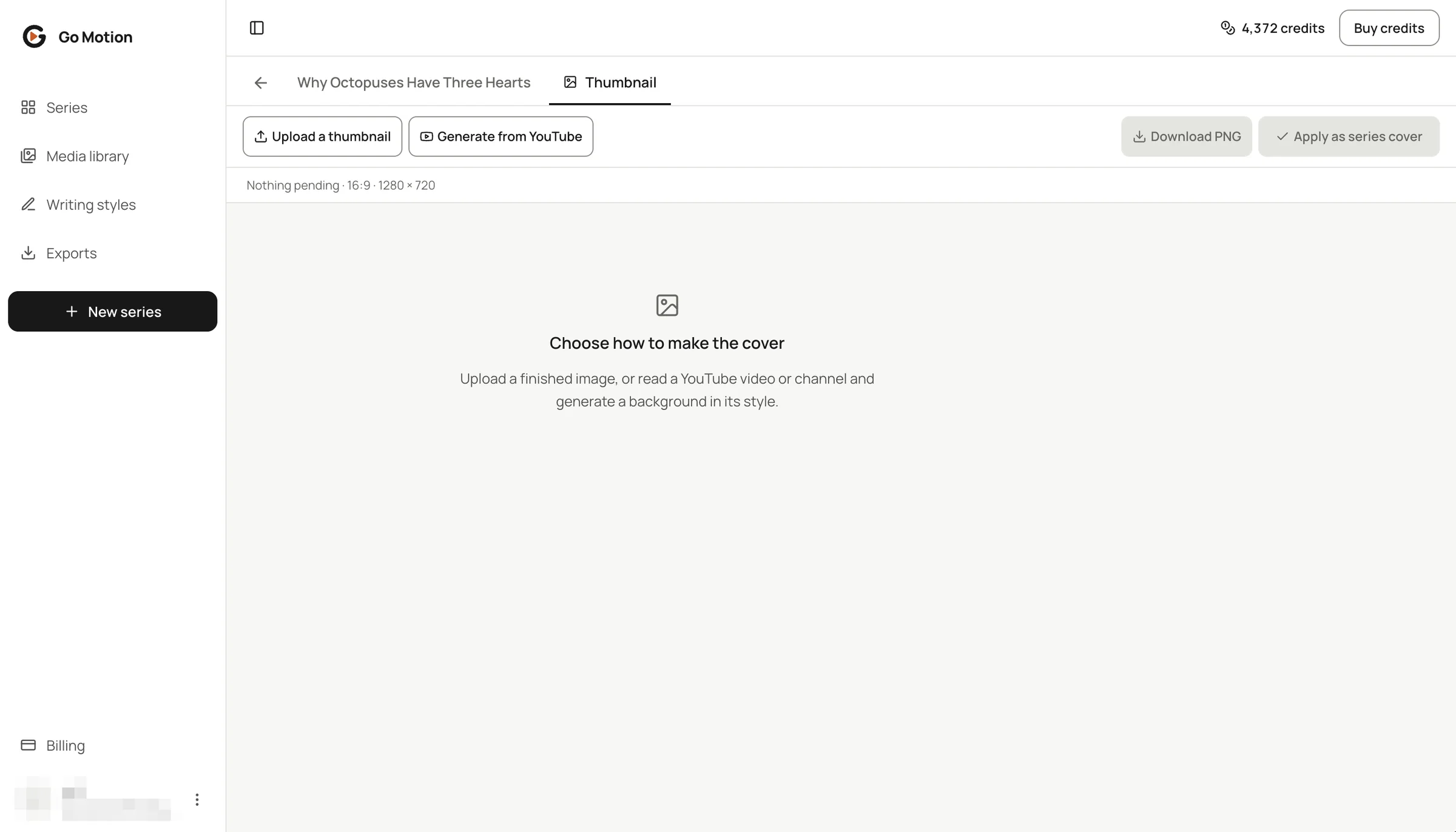 1234
- 1The Thumbnail tab of this series.
- 2Upload a thumbnail: free, cropped to 16:9 or 9:16.
- 3Generate from YouTube: learn the look of covers you admire.
- 4Apply as series cover and Download PNG once a cover is ready.
Upload your own cover
Choose Upload a thumbnail and pick an image. It is cropped to the format of the series and nothing is generated, so it costs nothing. Apply it as the series cover or download the PNG.
Generate from YouTube covers
- 1
Read the covers
Paste a video or channel link and press Read covers, then pick up to four.
- 2
Write your title
Type the title on the editable layer and choose its size and colour.
- 3
Get the quote
Press Get a quote and generate: it lists the analysis of each cover and one new background.
- 4
Confirm
A background in that style is painted for your topic. Apply it when you like it.
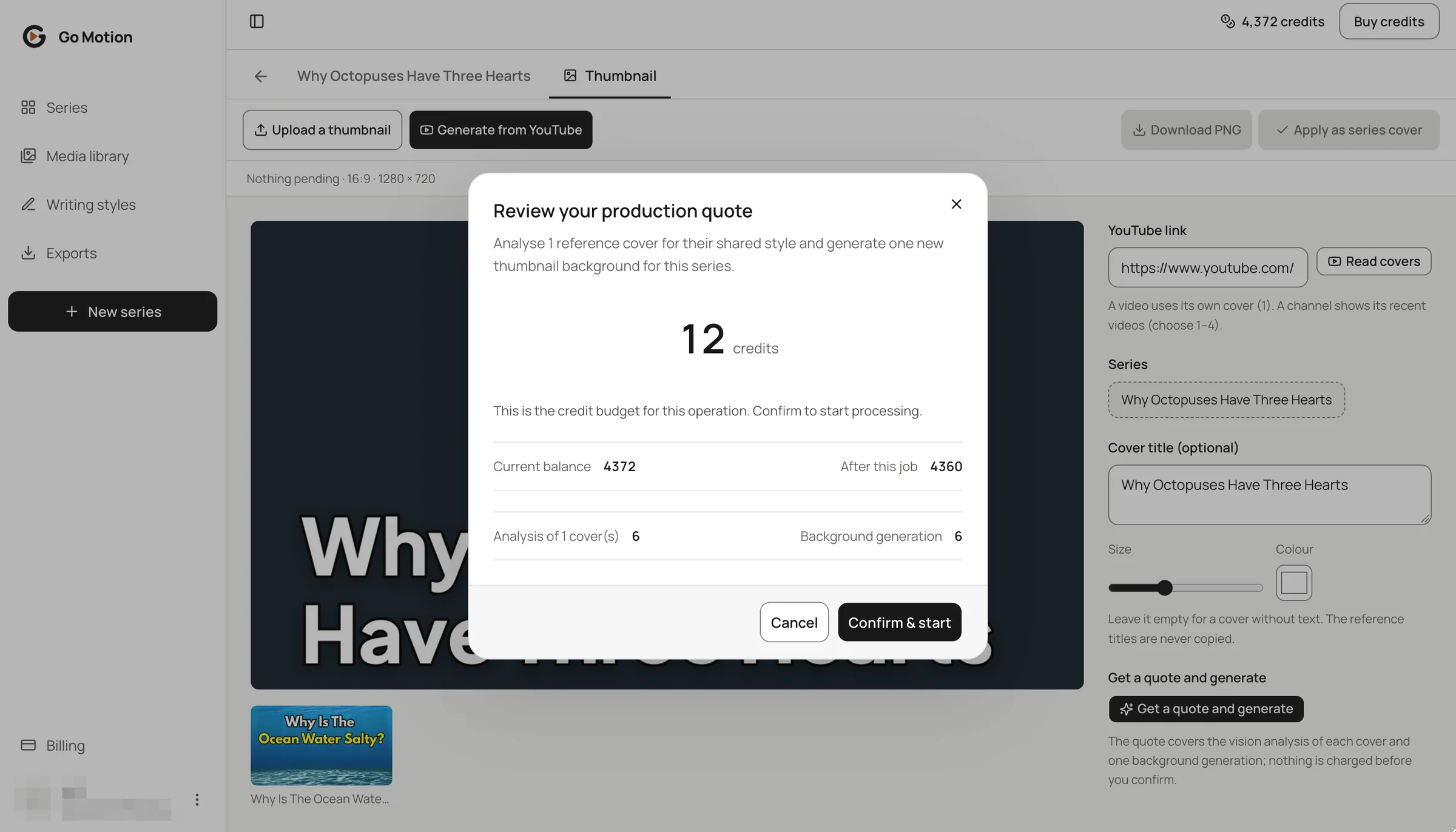 1234
- 1YouTube link and Read covers.
- 2Cover title: your own words on an editable layer.
- 314 credits: analysis of one cover plus one background.
- 4Confirm & start; apply the result as the series cover when you like it.
Generate again
Not quite right? Generate again with the same covers pays for the new background only, because the style analysis is reused. Pick other covers and they are analysed once more.
What thumbnails cost
| Step | Price |
|---|---|
| Upload a thumbnail | Free |
| Style analysis | 5 credits per cover, the first time |
| New background | 9 credits |
| Title, colours, apply and download | Free |