ChaptersGetting started
Getting started
Go Motion runs in your browser. Create an account, open the studio and your first series is one click away.
- 2 minutes
- Free
Sign in and open the studio
- 1
Create an account
Sign up with your email or Google. New accounts start with free credits.
- 2
Open the studio
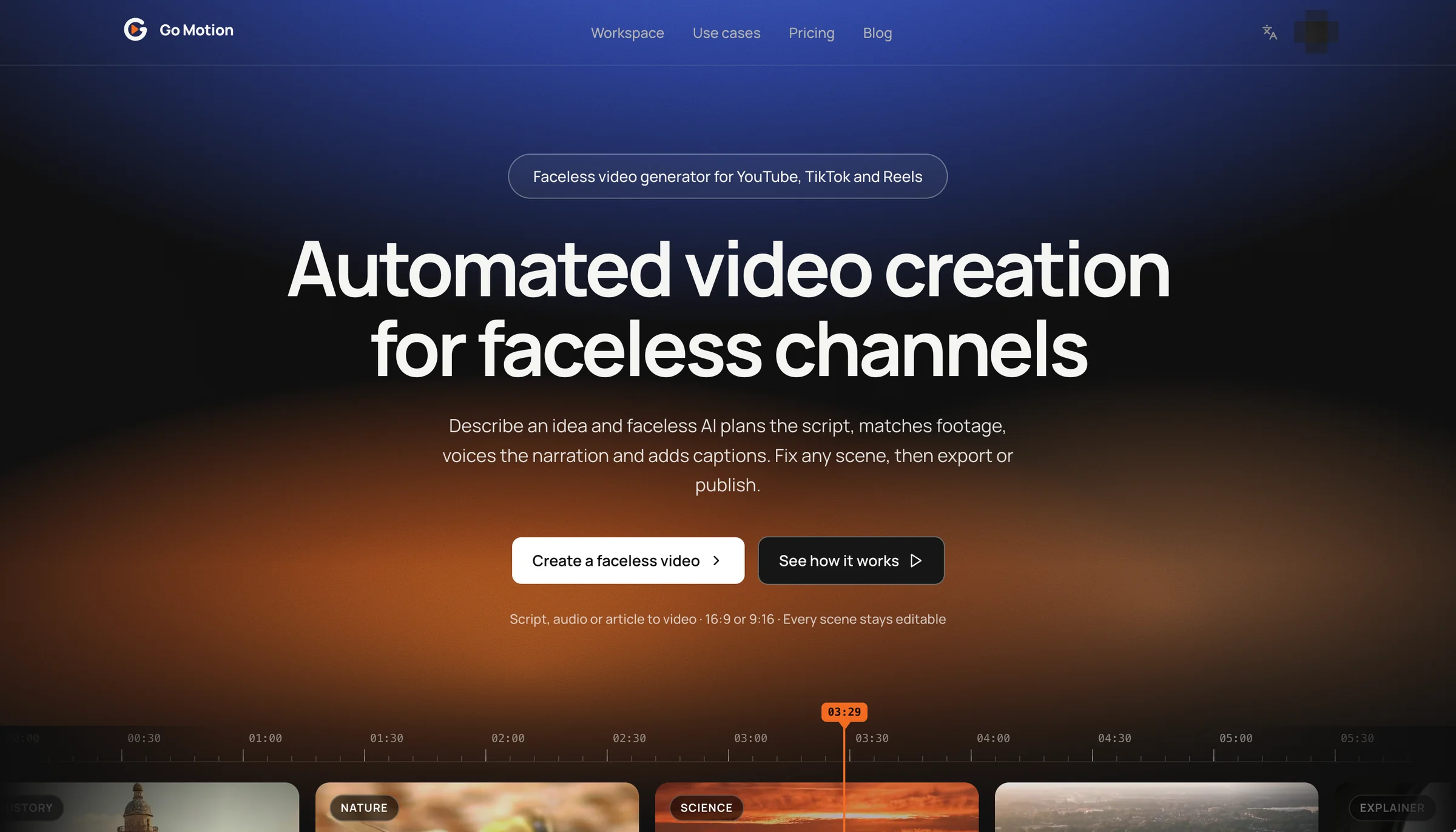
Use Workspace in the header or Open studio on any page. The studio opens where you left off.
 123
- 1Workspace takes you straight to the studio once you are signed in.
- 2Create a faceless video opens the same place from the home page.
- 3Switch the interface language here at any time.
Meet the workspace
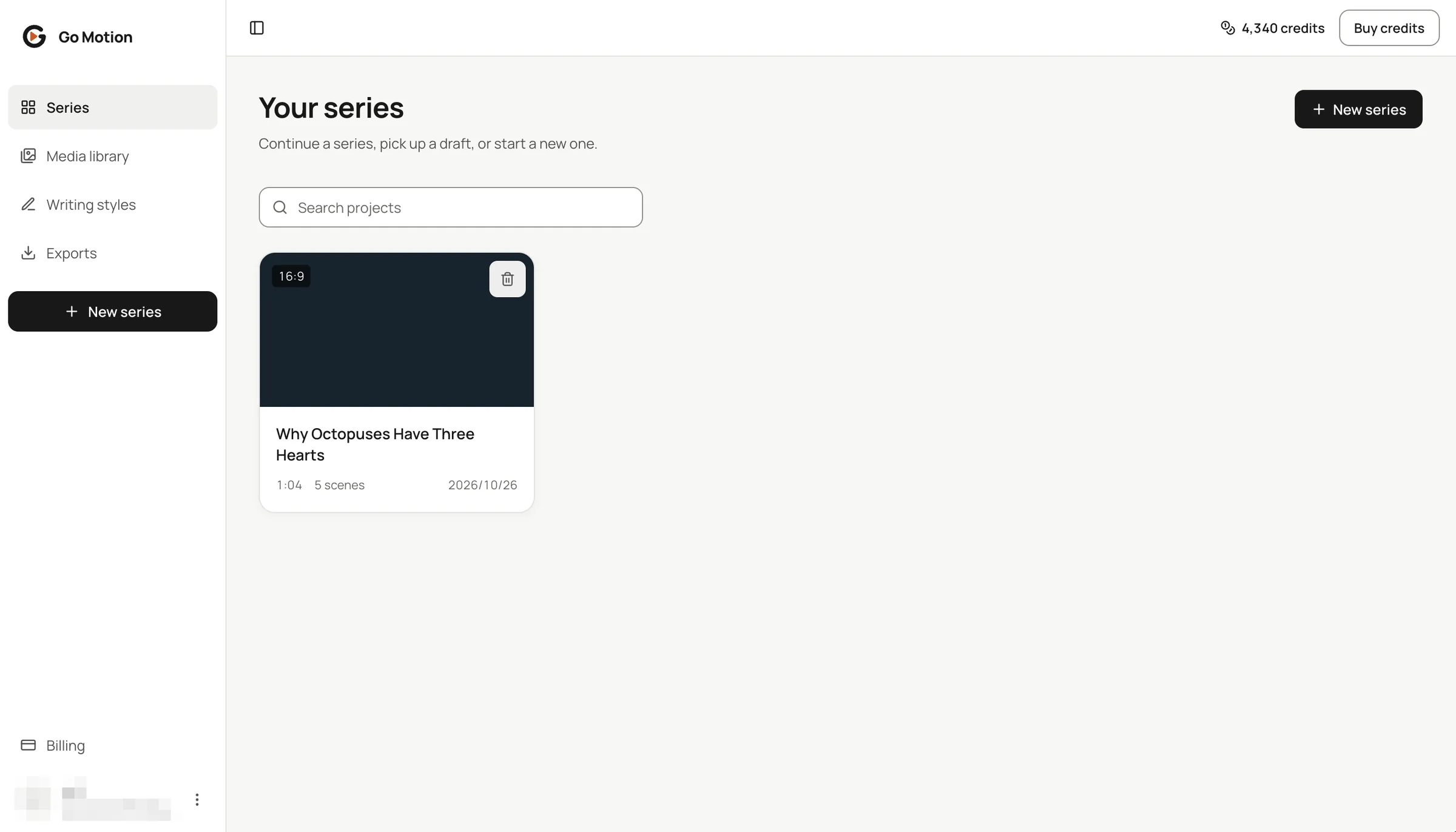
The sidebar is the whole map of the studio. Each item is a place you will come back to.
 23
- 1Series, Media library, Writing styles and Exports.
- 2New series starts the creation wizard.
- 3Your balance, and Buy credits when you need more.
- 4Each card shows the format, length and scene count of a series.
Interface and content languages
The interface is in English or Chinese; switch it from the header at any time. The content language is chosen per series: Go Motion writes and narrates in 15 languages, including English, Chinese, Spanish, French, German, Portuguese, Hindi and Ukrainian.