Oct 24, 2026
Faceless.video Alternative: Keep Your Series Original
Choose a Faceless.video alternative with a three-episode review. Compare a faceless video generator and AI video editor for more distinctive stories.
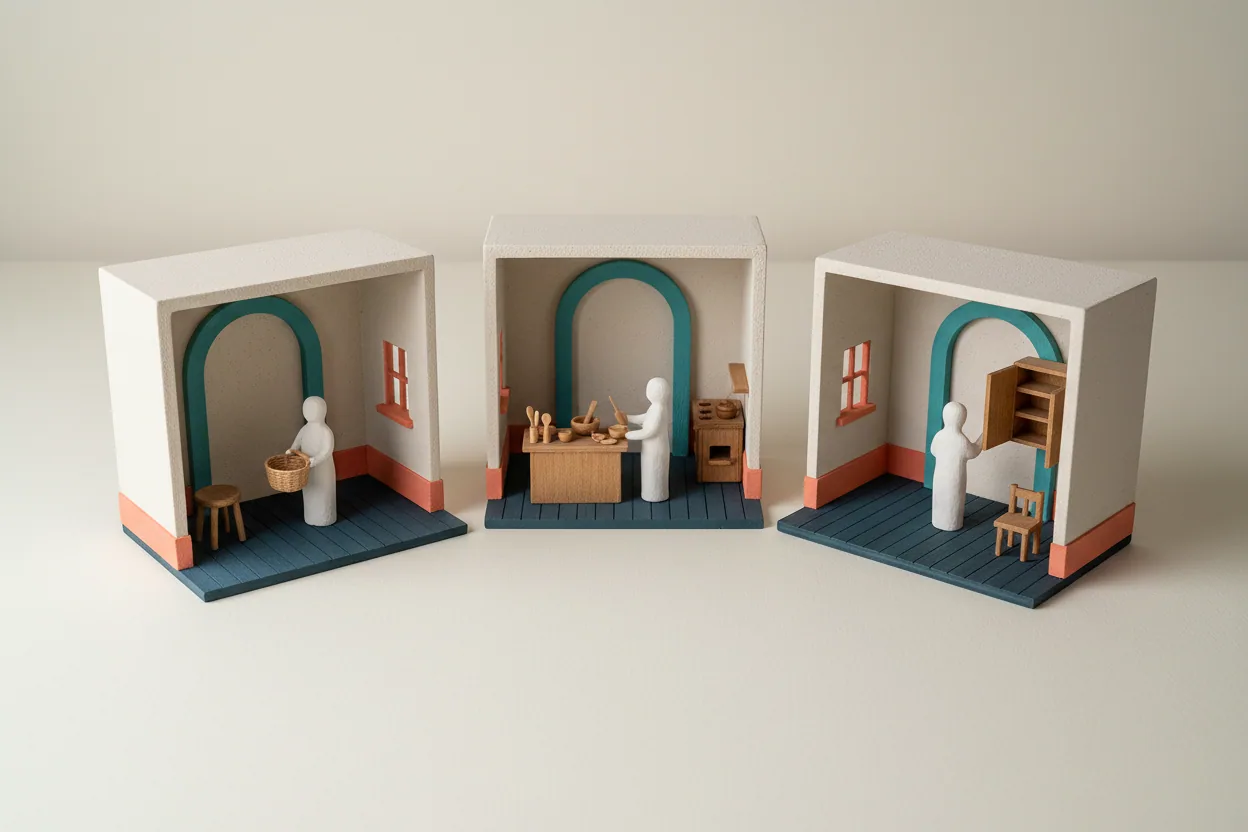
Faceless.video Alternative: Keep Your Series Original
Choose a Faceless.video alternative by what it lets you contribute to the next three episodes of your channel. A useful shortlist includes StoryShort for editable AI stories, Revid for varied generated material, and Descript for shaping scripts and existing recordings. Each serves a different creative starting point. The right choice helps you develop a recognizable series without turning every episode into the same story with different nouns.
A faceless video generator can assemble narration, visuals, and captions. Your contribution is deciding which question deserves an episode, what the audience should understand, and which scenes make the explanation convincing. Those decisions matter even when production runs automatically.
Before choosing a Faceless.video alternative, identify the specific problem you want to solve: repetitive scripts, interchangeable imagery, weak explanations, or difficulty expressing your own perspective. Changing tools without changing the brief can reproduce the same weaknesses somewhere else.
What should a Faceless.video alternative actually improve?
Start with a fair baseline. Faceless.video supports editable drafts, reviewing upcoming videos, and generating a new version before publication. Its workflow also includes automatic publishing to TikTok, YouTube, and Instagram. Treating it as a product with no review or editing capability would give you the wrong comparison.
Instead, shortlist a Faceless.video alternative around a concrete editorial need. Perhaps you want to preserve an exact explanation, choose a visual for a particular sentence, or build an episode around recordings you already own. Verify those operations in the product rather than assuming that an “editable” badge means every element behaves as you expect.
For a faceless YouTube channel, familiarity and repetition are different things. Familiarity gives viewers a stable narrator, a recognizable visual language, and a clear promise. Repetition gives them the same discovery, example, or conclusion repeatedly. Preserve the first while reviewing the second.
AI storytelling becomes more useful when you provide specific causes, choices, and consequences. “Make another surprising history video” leaves most of the editorial work unresolved. “Explain how three ordinary household objects changed one daily routine” gives the production process a clearer purpose.
Which Faceless.video alternative fits your creative input?
Compare these options by the material you want to control. Their functions support different kinds of creative input; use your own episode brief to decide which approach fits.
| Your starting point | Tool to examine | What to verify in a sample |
|---|---|---|
| An original script with a scene plan | StoryShort | Whether your wording, scene choices, and pacing survive generation |
| An idea that needs several kinds of generated visuals | Revid | Whether the chosen media explains the idea and remains coherent |
| Your narration, recordings, and a script you want to shape closely | Descript | Whether text edits and visual arrangements preserve your intended meaning |
| A topic or script for a GoMotion trial | GoMotion | Whether the current creation and revision experience fits your editorial needs |
StoryShort: start with the story you intend to tell
StoryShort accepts an idea or a supplied script and creates scenes with narration and captions. Its editor supports changes to the script, visuals, voice, captions, and timing. It also offers a recurring series workflow.
Consider it as a Faceless.video alternative when your main input is a story that needs deliberate scene choices. For example, a description of a crowded kitchen should show the relevant activity rather than an attractive but unrelated room. Try that distinction in a sample before choosing a visual style for the whole series.
Revid: match the medium to the explanation
Revid combines script, voiceover, visuals, subtitles, and editing, with multiple creation formats. That makes it a candidate when different episodes need different visual treatments.
Evaluate Revid as a Faceless.video alternative with one difficult scene, such as showing how an object works. An animated explanation, a generated environment, and a decorative background have different jobs. Select the one that helps viewers understand the narration. A greater range of media is useful only when you can keep the episode visually coherent.
Descript: make your words and recordings the foundation
Descript provides text-based video editing, script assistance, scene layouts, and generated media. It suits a process in which the creator brings an explanation or recording and wants to shape its presentation.
This makes it a Faceless.video alternative worth examining when your own narration or material carries the value. An AI video editor should make it practical to remove a confusing sentence, adjust a sequence, and support the remaining explanation with appropriate visuals. It may require more deliberate editorial involvement than the channel workflow you currently use.
GoMotion: bring a specific creative brief
When evaluating GoMotion as a Faceless.video alternative, bring one script you already understand well. Give it a defined audience, an episode question, and a short list of essential scenes. Inspect the resulting creation experience against that brief.
Judge the current product on whether you can turn your idea into a video you would publish. Keep automatic distribution, pricing, and recurring channel management as separate requirements to verify if you need them. A useful creative trial should answer a narrower question first: can you express the point you intended?
Test a Faceless.video alternative with three related episodes
A single attractive sample cannot show whether a series becomes repetitive. Prepare three related briefs before spending time building a recurring production setup. Use the same audience and visual style, but give each episode a different question and a different kind of explanation.
Imagine a channel about everyday life before household refrigeration. The following exercise is an editorial example, not a claim that these videos have been produced or tested. Research the historical details for the place and period you choose before writing the final scripts.
Episode one: explain a process
Question: how did a household keep food cool? Build the episode around a sequence: the cooling material arrives, someone stores it, and the household manages the space around it. The scene plan needs actions and relationships, not several unrelated pictures of old kitchens.
Compare each Faceless.video alternative on whether you can give every scene a specific job. One scene establishes the container; another shows where the cooling material sits; another explains a practical limitation. Avoid adding a dramatic anecdote unless you have evidence for it.
The viewer should leave understanding a process. That is a stronger outcome than hearing a list of vaguely surprising facts.
Episode two: explain a decision
Question: how did a household decide what to buy for the next meal? This episode can explore a choice under constraints, using researched details about storage, availability, and household circumstances. Give it a different structure from the first: a choice, its tradeoffs, and the consequence.
A Faceless.video alternative should let you express those tradeoffs clearly. If two options are being compared, the visuals need to distinguish them. Reusing the same delivery scene from the first episode might preserve the setting while failing to explain the new question.
Do not assume that an image of a specific object proves it was common everywhere. Keep the script's claims within the evidence you have gathered.
Episode three: examine a change
Question: which steps in shopping and meal preparation changed when a household adopted a different cooling method? Show the same task twice so the audience can follow the change. For example, compare the actions needed to store ingredients, using details verified for your chosen household and period. Keep the setting consistent while giving the episode a clear progression.
Here, the value of a Faceless.video alternative is its ability to support a different narrative shape without abandoning the channel's identity. The first episode explains a mechanism; the second explores a choice; the third traces a change. They belong together, yet each offers a separate reason to watch.
This is where AI storytelling needs your judgment. A new background and a different opening sentence cannot substitute for a new idea.

Review the series at two different levels
Watch each episode once on its own, then watch all three in order. The first review catches unclear sentences and mismatched scenes. The second reveals repeated story shapes that are harder to notice when you work on one video at a time.
Your Faceless.video alternative should make the first review practical, but the second remains an editorial responsibility. Keep a short record of what each episode promises and what it actually delivers. If all three summaries say essentially the same thing, revise the briefs before generating more episodes.
Use these questions during the individual review:
- Does the opening pose the question that the video actually answers?
- Does each major claim have a reliable basis in your research?
- Do the visuals explain the narration, or simply decorate it?
- Can a viewer follow the sequence without already knowing the topic?
- Does the ending provide an answer instead of another unsupported teaser?
Then review the series. Check whether the examples differ, the explanations progress, and the repeated visual elements serve a purpose. A stable color palette can help recognition. Repeating the same plot, discovery, and ending does little for someone who watched yesterday's episode.
A faceless video generator does not decide which repetition your audience will find useful. Retain an opening device if it establishes a familiar format, but change the substance that follows. For a faceless YouTube channel, that distinction also matters when evaluating originality: recurring formats can contain meaningfully different content, while superficial changes can leave the underlying videos interchangeable.
Keep the identity; change the substance
When comparing a Faceless.video alternative, separate fixed creative choices from episode-specific ones. Fixing everything produces sameness. Changing everything makes the channel difficult to recognize.
| Keep reasonably consistent | Decide again for each episode |
|---|---|
| Narrator style and speaking pace | The question and intended answer |
| Caption appearance and visual palette | The evidence, example, and explanation |
| Audience knowledge level | Scene actions and narrative progression |
| The channel's general promise | What viewers learn or experience this time |
Use an AI video editor to preserve the fixed choices where practical, then inspect the variable ones closely. A scene can match your colors perfectly and still communicate the wrong action. A caption can look familiar while obscuring an essential object. Visual consistency is valuable when it supports comprehension.
A new production tool for a faceless YouTube channel does not automatically make its content original or eligible for monetization. Those outcomes depend on the finished material and applicable platform requirements. Review the whole episode for original explanation, relevant visuals, and a useful conclusion before expanding the series.
When switching is worth the effort
A Faceless.video alternative is worth considering when a specific creative limitation repeatedly stops you from making the video you intend. Write down that limitation before starting a trial. Examples include difficulty preserving a supplied explanation, arranging a meaningful sequence, or combining original narration with relevant imagery.
Keep Faceless.video on your shortlist if its current draft and review controls already handle those needs. You may get more value from improving topic selection and scene briefs than from migrating. The comparison should give you a reason to choose, including a reason to stay.
Also check what a realistic episode consumes. Video types, scene counts, and revisions can affect allowances differently. Measure the sample you actually want to publish rather than treating a headline video quota as a promise about every format.
Is a free trial enough to choose?
A free trial can help you reject a poor fit, but one sample may leave important questions unanswered. Use a faceless video generator trial to examine a challenging explanation, then verify the limits that would apply to your three-episode plan. Do not infer recurring production quality from a single polished example.
What if the videos still feel generic?
Review the script before changing styles again. Give the episode a specific question, a concrete example, and a clear conclusion. Better AI storytelling often begins with stronger decisions about what the video should say. More motion or a different narrator cannot repair an explanation that has no distinct point.
Give the next episode a clear purpose
Choose a Faceless.video alternative after you can describe how it improves your actual creative process. Keep a recognizable series identity, make each episode useful on its own, and review several episodes together before expanding production.
Bring one researched script and a simple scene plan to GoMotion. Explore this Faceless.video alternative to see whether its current creation experience helps you turn that specific idea into a video you would publish.